Quick Answer
An email list cleaning service helps you control the quality of your email list as it grows and evolves. The best email list cleaning services depend on what you need:
- ZeroBounce → Best for insights and email scoring
- NeverBounce → Best for large, frequently updated email lists
- Kickbox → Best for simple, reliable email verification
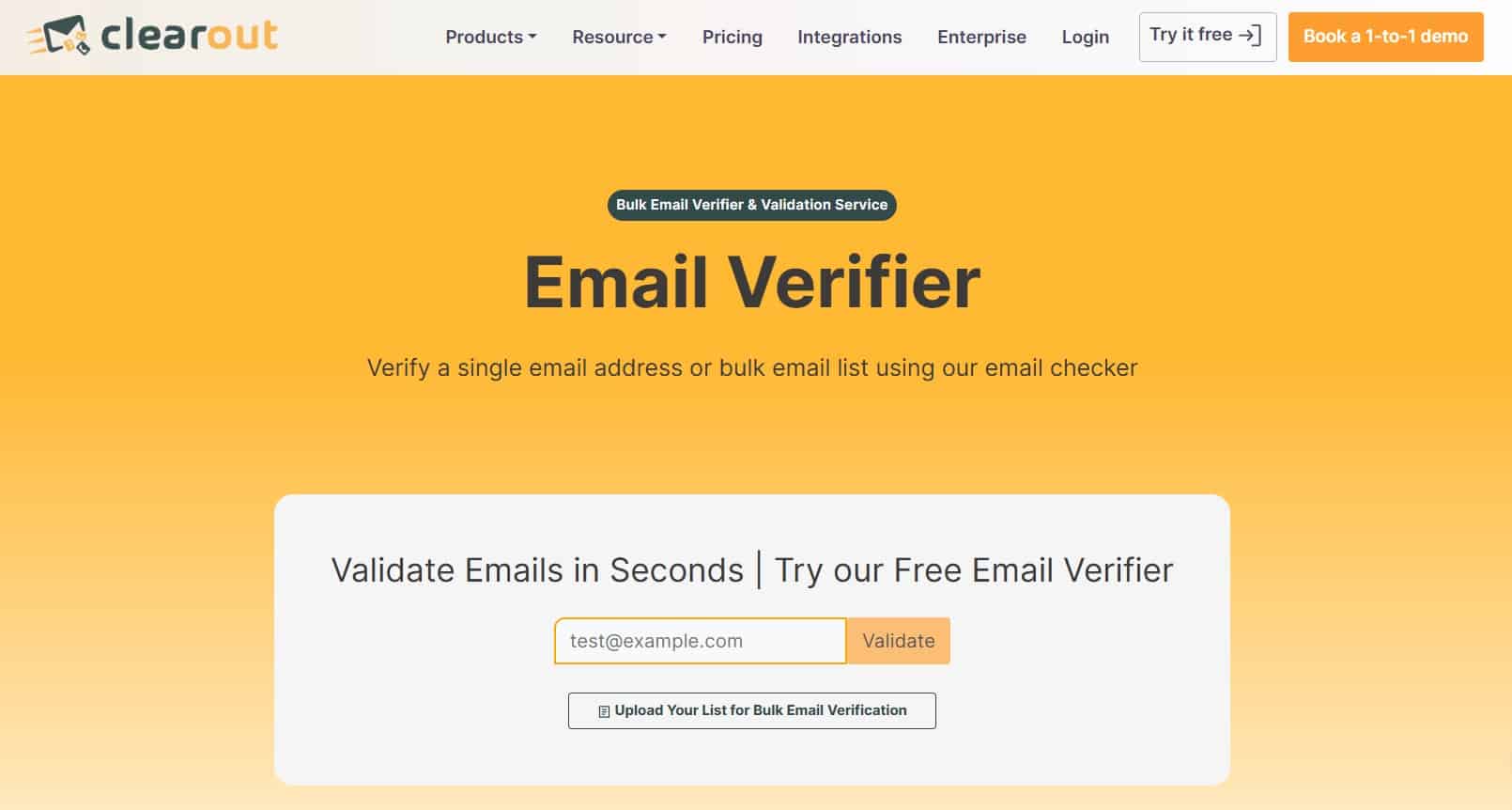
- Clearout → Best for combining list cleaning with prospecting
- Emailable → Best for speed and clear reporting
- Bouncer → Best for automated email list cleaning
- EmailListVerify → Best for budget-friendly bulk email verification
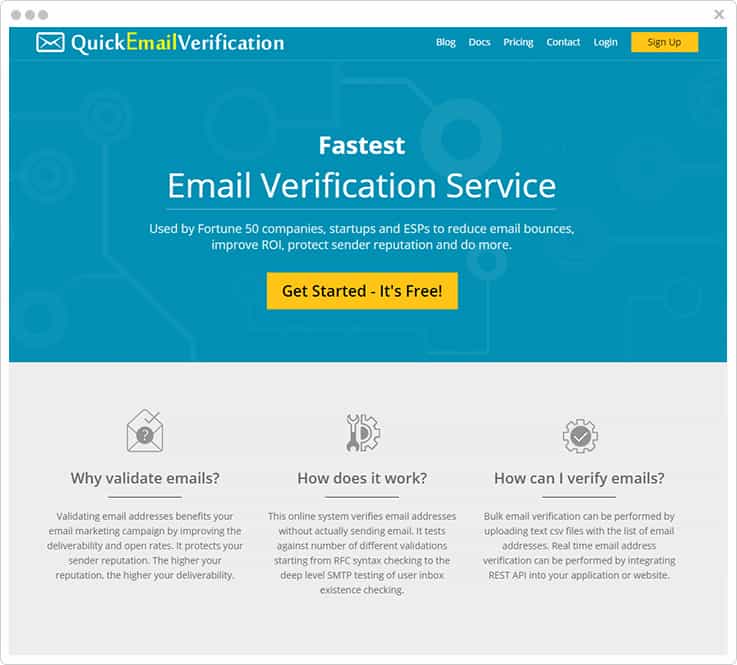
- QuickEmailVerification → Best for free credits and high-volume checks
- BriteVerify → Best for enterprise-level data validation
- Verifalia → Best for deep, multi-pass email verification
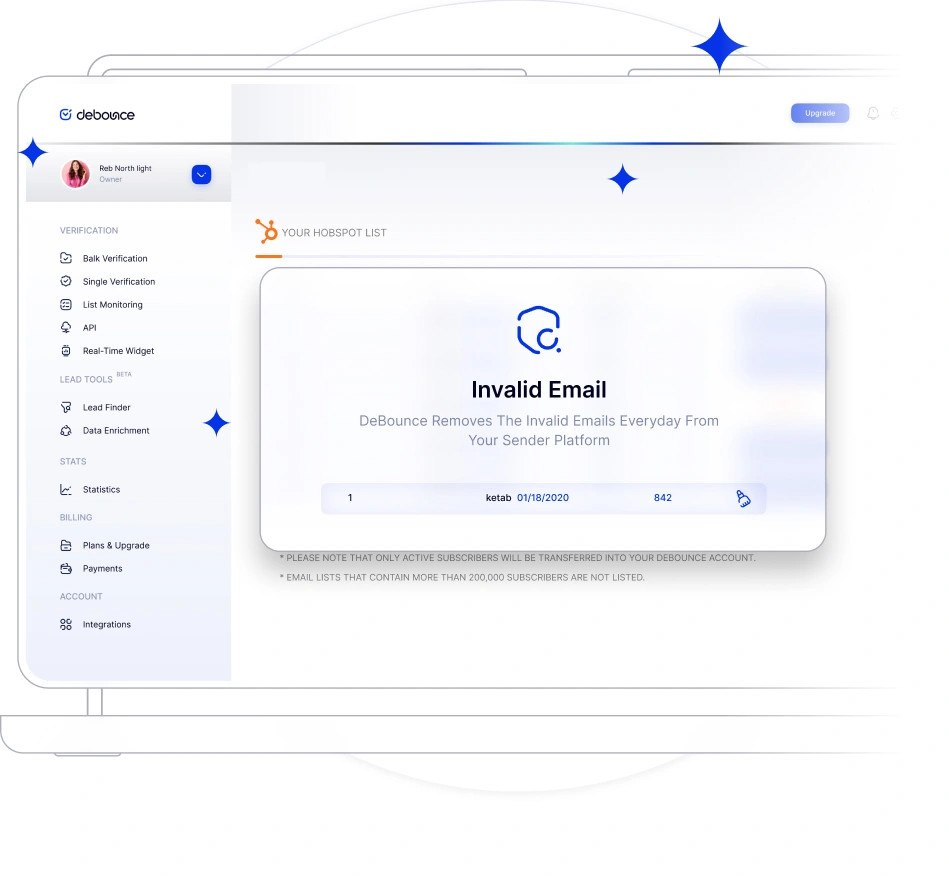
- DeBounce → Best for simple, low-cost email list cleaning
Pick the tool that fits your email list. That will ultimately improve email deliverability
You would not keep any contacts in your phones that you never call or text. But when it comes to emails, you don’t think twice.
Over time, your email list fills up with email addresses that are either outdated or, more often than not, duplicates. They remain in your database, even when they are no longer needed.
And letting them just be there, doesn’t help. It lowers the quality of your entire email list and makes every send less effective. But cleaning your email list does not mean reducing it, against popular belief. It means that you are only using the email addresses that still hold some value to your brand.
In this guide, we list the 11 best email list cleaning services to help you clean your list effectively. If you also need a deeper look at why your emails aren’t landing in the inbox, our email deliverability Specialists can help identify the root cause.
What is an Email List Cleaning Service?
An email list cleaning service helps you control the quality of your email list as it grows and evolves. These services evaluate each email on the list individually to separate valid email addresses from the invalid ones, potential spam traps and risky contacts. Basically, it helps you get rid of low-quality data that builds up over time.
Your goal is to keep only deliverable email addresses in your database. This is a core part of email list management — keeping your database healthy as it grows over time.
Whatever tool you use, the outcome must always be a clean email list made up of deliverable email addresses (that actually work).
Indicators That Suggest You Need An Email List Clean-up
You’ll also need to stay for the following alarm bells telling you your list is losing focus and getting bloated.
Poor Open Rates:
Per a 2022 survey, nearly 60% of marketers worldwide reported an open rate of more than 20% for their e-mail marketing campaigns, while 4.2% declared their open rates were below 10%.
Some businesses ignore email open rates, but low open rates indicate that many of your subscribers are not even interested in reading your marketing emails – and this is something that you cannot afford not to know!
While the reasons may be many and beyond your control, cleaning your email list can help you avoid further negative impacts.
Lower Than Usual Click-Through Rates (CTR):
The Email click-through rate is the percentage of contact on your email list who click the CTA in your email.
In general, the CTR will nearly always be significantly lower than the open rate as subscribers tend to read emails without engaging with them. For instance, in 2020, the click-through rate of marketing emails was 2.6% globally.
At the same time, if you witness a massive drop in your CTRs, that’s a warning bell for sure! By implementing list cleaning, you can send your emails to a more targeted and relevant audience, which will help you boost your CTR and engagement.
High Bounce Rates:
Email marketing witnesses hard and soft bounce rates.
Soft bounce typically suggests a temporary deliverability issue. In contrast, hard bounces never go through mainly because either the domain is non-existent, the email id is incorrect, or the email server has blocked its delivery.
Be very attentive toward the bounce rates. For example, suppose your emails are coming back as undelivered. It means there’s a problem with the address or with the owner’s email service provider.
High Number Of Emails Being Reported As Spam:
Recipients either trash or spam unsolicited or irrelevant emails. Of the two, getting spammed is very alarming for your business.
When contacts on your list mark your emails as spam, email clients give prime attention to such spam complaints, and on reaching a certain threshold, all emails you send will automatically get delivered to spam.
For this reason, you must implement regular cleaning and send your emails only to relevant target audiences that want to hear from you.
Quick Comparison of 11 Best List Cleaning Services That We Tested
To help you better understand the services, here is a quick comparison table.
| Tool | Best For | Strength | Weak Spot | Pricing (Starting) | Real-Time API | Bulk Verification |
| ZeroBounce | Insights + data depth | Email scoring, activity data | Higher cost | ~$0.013/email | Yes | Yes |
| NeverBounce | Scale + automation | Handles large, messy lists | Limited insights | ~$0.008/email | Yes | Yes |
| Kickbox | Simplicity | Clean output, reliable | Less reporting depth | ~$0.008/email | Yes | Yes |
| Clearout | Cleaning + prospecting | Email finder + validation | Can feel heavy | ~$0.008/email | Yes | Yes |
| Emailable | Speed + clarity | Fast + scoring (0–100) | Fewer deliverability tools | Custom | Yes | Yes |
| Bouncer | Automation | Set-and-forget cleaning | Limited analytics | ~$0.007/email | Yes | Yes |
| EmailListVerify | Cost efficiency | Very affordable at scale | Basic features | ~$0.003/email | Yes | Yes |
| QuickEmailVerification | Free tier + speed | 3,000 free credits/month | Limited depth | Free / Custom | Yes | Yes |
| BriteVerify | Enterprise data | Multi-channel validation | Expensive for small teams | Custom | Yes | Yes |
| Verifalia | Accuracy control | Multi-pass verification | Slower processing | ~$0.004/email | Yes | Yes |
| DeBounce | Simple + cheap | Covers core needs | Limited insights | ~$0.002/email | Yes | Yes |
11 Best Email List Cleaning Services (Expert Picks)
Email list cleaning services can improve email deliverability by up to 25% and increase open rates by 5–15%. With 96%+ accuracy, they remove invalid email addresses, inactive contacts, and risky data that impact sender reputation and drive bounce rates, especially as email lists decay by ~20% each year.
And there’s no shortage of email list cleaning services in the market. Most promise high accuracy. Many claim to improve email deliverability. On paper, they all look similar and most of them also verify email addresses. But its not the same (verification and cleaning services are different). .
Let’s dive right into the details of 11 different tools mentioned below so you can choose the best fit for you.
1. ZeroBounce

Best for – Email validation with added deliverability insights.
ZeroBounce does the core job well. It verifies email addresses and filters out invalid email addresses, spam traps, disposable email, abuse emails, and catch-all domains before they turn into a problem.
Now, you’re not just left with a cleaned email list. You get email scoring and activity data, which helps you spot contacts that look fine on paper but rarely engage. That kind of insight saves you from a lot of guesswork and some manual cleanup later.
It also comes with built-in deliverability tools like blacklist monitoring and DMARC monitoring. Useful when you want to keep an eye on sender reputation without juggling multiple tools.
Key features:
- Bulk email verification and a real-time email verification API
- It can detect invalid email addresses, spam traps, and disposable emails
- Email scoring and activity data
- Blacklist monitoring and DMARC monitoring
- Integrates with more than 60 email marketing platforms
Pricing:
- ~$69 for 5,000 email validation credits (~$0.013/email)
- 100 free monthly email verifications
- Volume pricing available
Where it stands out: It gives you more context on your email list, not just a pass/fail result.
Where it falls short: Pricing adds up if you only need basic email list cleaning.
2. NeverBounce

Best for: Large email lists and ongoing email list cleaning.
NeverBounce is a service built to handle scale and volume. If your email list is growing fast or breaking often, and you are worried about how to handle the cleaning, this tool should be your go-to.
With this tool, you can run bulk email verification on large email lists or plug in general email verification to stop bad email addresses from getting in the list. Once it’s set up, it keeps things clean in the background, which saves you from doing the same cleanup over and over again.
I have seen tools look great on paper but fall apart with messy data. NeverBounce doesn’t. It catches invalid email addresses, hard bounces, spam traps, and disposable email even before they start messing with your email campaigns.
And honestly, that’s what makes it different – you don’t have to constantly keep a check.
Key features –
- Bulk email verification for large email lists
- Real time verification for signup forms and web forms
- Automated email list cleaning and syning
- Detecting invalid email addresses and hard bounces
- 80+ integrations with email marketing platforms
Pricing –
- ~$8 per 1,000 emails (~$0.008/email)
- Plans start at ~$49/month
- Custom pricing for high-volume email lists
Where it stands out: Handles messy, high-volume email lists without turning it into a manual process.
Where it falls short: Not much depth when it comes to email scoring or contact-level insights.
3. Kickbox

Best for: Straightforward, no-nonsense email verification
Kickbox is one of those tools that doesn’t try to do everything – and that’s kind of the main point.
So, how it works is you run your email list through it, and it tells you what’s usable and what’s risky and needs to go. You upload a list, get your results, and move on. That’s it.
In this one simple step, it handles bulk email verification and real-time verification cleanly.
One thing that I like is that it catches small mistakes early. Someone misspells a name or half an email address? It flags it right away. This saves you from dealing with bad data later, which is always more troublesome than it should be.
Key features:
- Bulk email verification and real-time email validation API
- Detection of invalid email addresses, disposable email, and catch-all domains
- Syntax and typo correction
- Risk classification for email addresses
- Integrations with email marketing platforms
Pricing:
- Free: 100 email verification credits
- ~$5 for 500 emails, $40 for 5,000 emails (~$0.008/email)
- ~$800 for 100,000 emails
- Volume discounts and custom pricing available
Where it stands out: Simple, fast, and extremely reliable, you get clean data without extra noise.
Where it falls short: Doesn’t go in-depth on insights or deliverability analytics.
4. Clearout

Best for: Fast email verification with built-in prospecting tools.
Clearout feels like it was built for teams that are constantly adding email addresses but also want to clean them regularly.
You can upload a large, messy email list or validate email addresses as they come in through signup forms. Either way, it filters out invalid email addresses, including all the other mistakes like gibberish typos (they show up more than you care to admit), duplicate contacts, and spam traps.
It doesn’t just stop at obviously invalid emails. It goes after catch-all domains, role-based addresses, and free domain emails that tend to drag down email campaigns over time.
It also doubles as an email finder. So, if your workflow includes cold email outreach or lead generation, you’re not switching between tools every five minutes.
Key features:
- Bulk email verification and real time verification API
- Detection of invalid email addresses, disposable email, spam traps, and duplicates
- Handles syntax errors, typos, and gibberish email addresses
- AI-powered validation with 20+ checks
- Email finder and prospecting tools built in
- Integrates with email marketing platforms and CRMs
Pricing:
- Free: 100 email verification credits
- ~$5 for 500 emails, ~$40 for 5,000 emails (~$0.008/email)
- Monthly plans start at ~$16/month
- Custom pricing for large email lists
Where it stands out: This list cleaning service works well if you’re validating and building your email list at the same time.
Where it falls short: It can feel like overkill if you only need a simple email list cleaning tool.
5. Emailable

Best for: Fast email verification with clear, no-nonsense reporting
Emailable is for cleaning your list without slowing you down. You can run bulk email verification, and it moves fast. Really fast. It can process up to 100,000 email addresses in under 3 minutes, which matters when you’re working with large email lists and tight timelines.
It covers all the core checks you’d expect.
✔ Syntax validation.
✔ Domain validation.
✔ Mailbox verification.
It also goes further into risk like catching disposable email, role-based addresses, full mailboxes, and even weird edge cases like unusual characters or tagged emails.
In fact, every email address gets a quality score from 0 to 100, so you can decide what stays and what goes instead of blindly removing half your list. It’s a great list cleaning service to protect sender reputation.
Key features:
- Bulk email verification with high-speed processing
- Real time verification for signup forms and web forms
- Email quality scoring (0–100)
- Detection of disposable email, spam traps, and invalid email addresses
- Domain, SMTP, and mailbox verification
- Integrations with 50+ email marketing platforms
Pricing:
- Free credits available (250 email verifications)
- Pay-as-you-go pricing based on volume
- Scales with larger email lists
Where it stands out: Speed and depth. You get quick results with enough detail to actually act on.
Where it falls short: Less focus on broader deliverability tools compared to platforms like ZeroBounce.
6. Bouncer

Best for: Automated email list cleaning that runs in the background.
Bouncer is perfect for brands that don’t want to keep cleaning their email list.
You connect it to your CRM or email marketing platform, and it just keeps things clean. New email addresses get verified as they come in. Existing contacts get rechecked on a schedule. You don’t have to upload lists or run bulk email verification every time.
What makes it interesting is the control you get. You get to decide what happens to each email address based on its status or toxicity score. Keep clean contacts. Quarantine anything that looks risky.
It fits right into your workflow, too. The data flows back into your CRM, so you can trigger actions. This way, you can stop sending your email campaigns to the email addresses that may hurt your sender reputation.
Key features:
- Automated email list cleaning with scheduled verification
- Real time verification for new email addresses
- Bulk email verification for existing email lists
- Toxicity scoring for risky email addresses
- Native CRM integrations (HubSpot, Klaviyo, Brevo)
- Custom rules to manage invalid emails, disposable email, and edge cases
Pricing:
- Free credits available
- ~$8 for 1,000 emails
- ~$35 for 5,000 emails (~$0.007/email)
- Volume pricing available
Where it stands out: You stop running manual cleanups. Your email list stays clean without constant effort.
Where it falls short: Less depth in reporting and email scoring compared to tools focused more on analytics.
7. EmailListVerify

Best for: Budget-friendly email list cleaning at scale.
EmailListVerify does not try to impress you with fancy dashboards. It focuses on just cleaning your email list without burning through your pocket.
You upload your email list, and it runs a thorough email verification process. Syntax errors, spam traps, and domain validity – all of it, and more.
It also handles bulk email verification. The platform has already processed billions of email addresses, and it shows how quickly it moves through large lists.
What stands out is the pricing. If you’re dealing with high-volume email campaigns, this service can help you save money. Especially when a chunk of your email list is made up of invalid emails or inactive accounts you shouldn’t be paying for in the first place.
Key features:
- Bulk email verification for large email lists
- Real time verification API for signup forms
- Detection of invalid email addresses, spam traps, disposable email, and duplicates
- Syntax validation, domain validity, and mailbox existence checks
- Email list cleaning tool with fast processing
- Integrations with email service providers and marketing platforms
Pricing:
- Free: 100 email verification credits
- ~$5 for 1,000 emails (~$0.005/email)
- ~$17 for 5,000 emails (~$0.0034/email)
- ~$186 for 100,000 emails (~$0.00186/email)
- Volume pricing available
Where it stands out: Low cost at scale. You clean large email lists without overspending.
Where it falls short: Limited advanced features. Less depth in reporting and email scoring.
8. QuickEmailVerification

Best for: High-volume email verification with a generous free tier.
QuickEmailVerification is built for speed and volume. You throw a large email list at it, and it keeps up. It handles bulk email verification and processes thousands of email addresses every minute. That matters when you’re actually dealing with large email campaigns and don’t have time to wait around.
It also has real time verification through its API. Plug it into your signup forms or web forms, and it blocks invalid email addresses before they enter your system. Keeps your email list cleaner from day one.
It also has a “free tier”. You get 3,000 email verification credits per month, which is more than most tools offer. Good way to test things or keep smaller email lists in check without spending upfront. It covers the essentials and is a good tool to use when it comes to protecting sender reputation.
Key features:
- Bulk email verification for large email lists
- Real time verification API for signup forms
- High-speed processing for email addresses
- Detection of invalid email addresses and disposable email
- Integrations with 25+ email marketing platforms
- WordPress plugin and CRM integrations available
Pricing:
- Free: 3,000 email verification credits per month
- Paid plans scale based on volume
- Custom pricing available for high-volume email lists
Where it stands out: Strong free tier and fast processing for large email lists.
Where it falls short: Less depth in advanced features like email scoring or detailed reporting.
9. BriteVerify

Best for: Teams that care about clean data across systems, not just email.
BriteVerify by Validity steps in when your email list connects to everything else. You’re dealing with CRM data, sales workflows, and marketing campaigns. One bad record can throw things off fast. This tool is built for that kind of environment.
It runs bulk email verification and real time verification. But it also goes beyond the email. You can verify phone numbers and physical addresses. That matters when your campaigns span multiple channels, and your data needs to stay consistent.
But there’s also a strong focus on spam trap detection and accuracy. Backed by a large data network and inbox provider relationships, it helps you avoid risky email addresses before they impact inbox placement.
Key features:
- Bulk email verification and real-time email validation
- Detection of invalid email addresses and spam traps
- Phone and address verification
- Integrations with Salesforce, Marketo, and other email marketing platforms
- API for real-time verification and automation
Pricing:
- Custom pricing based on volume
- Enterprise plans available
- Volume discounts for large email lists
Where it stands out: Helps keep contact data clean across systems.
Where it falls short: Too heavy for simple email list cleaning needs.
10. Verifalia

Best for: Flexible email verification with control over accuracy levels.
Verifalia feels like a tool for people who want control over how deep the cleaning goes. You upload your email list, run the verification process, and choose how thorough you want it to be. There are multiple validation levels for you to check.
That matters when you’re dealing with older email lists or data that’s been sitting around for a while.
It covers the full stack of validation levels. And the usual problems get filtered out before they hit your email campaigns.
Something interesting about this tool is how it handles edge cases. Some email addresses don’t respond on the first attempts. Verifalia runs multiple passes to get a more definitive result. That helps when you care about accuracy over speed.
Key features:
- Bulk email verification with multiple validation levels
- Detection of invalid email addresses, spam traps, and disposable email
- Syntax validation, domain validity, and mailbox existence checks
- Duplicate removal and risk detection
- API access for real time verification
- Flexible control over verification depth
Pricing:
- ~$7.90 for 1,000 emails (~$0.0079/email)
- ~$28.90 for 5,000 emails (~$0.0058/email)
- ~$49.90 for 10,000 emails (~$0.0049/email)
- ~$389 for 100,000 emails (~$0.0039/email)
- Credits never expire
Where it stands out: Gives you control over how thorough the email verification process is. Useful for messy or aging email lists.\
Where it falls short: Processing takes longer when you run deeper validation levels.
11. DeBounce

Best for: Simple, cost-effective email list cleaning with automation
DeBounce does what most email teams need without complicating it. You upload your email list to connect with your ESP, and it runs through the full email verification process. It handles the small mistakes (duplicate contacts, syntax errors, messy formats) that people usually ignore.
There’s support for bulk email verification and API success, so you can plug it into signup forms or run automated checks in the background. Daily cleaning is an option too, which helps keep your email list from degrading over time.
One thing worth noting is that it detects catch-all domains. Those email addresses look valid but can still bounce. Catching them early can make all the difference.
Key features:
- Bulk email verification and real time verification API
- Detection of invalid email addresses, disposable email, spam traps, and catch-all domains
- Duplicate removal and syntax correction
- Daily automated email list cleaning
- Integrations with email marketing platforms like Mailchimp and HubSpot
- Email finder for generating and verifying email addresses
Pricing:
- Starts at ~$10 for 5,000 emails (~$0.002/email)
- Pay-as-you-go pricing
- Volume discounts available
Where it stands out: Covers all core email list cleanin needs at a low cost. Easy to set up and run.
Where it falls short: Limited advanced features and reporting compared to higher-end tools.
What Actually Matters in an Email List Cleaning Service
At some point, you must decide on an email list cleaning service. There are several cases, like invalid addresses and unresponsive contacts, that sometimes even basic email verification misses.
So, here’s what actually matters when you choose an email list cleaning service –
1. Depth of email verification
Basic email verification is done to catch syntax errors and some very obvious invalid emails. But that is only on the surface. If you want an in-depth email validation check, then you’ll see it –
- detects spam traps
- filters disposable email addresses
- checks mailbox existence
- verifies domain validity
- flags role-based addresses that often lead to spam complaints
- catches input mistakes like misspelled domains
2. Bulk and real-time email verification
Another important thing about email lists is that they degrade continuously. Cleaning once is clearly not enough.
Bulk email verification handles large email lists and removes invalid email addresses at scale. And real-time verification works at the point of capture.
Both are required to maintain a clean email list.
3. Impact on deliverability metrics
Once you clean your email list run an email deliverability test to confirm your efforts are actually improving inbox placement. Once the list is clean you will see that there are measurable outcomes like –
- Lower bounce rates
- Fewer spam complaints
- More consistent inbox placement across inbox providers
- Better chances of avoiding the spam folder
- An email verification service should directly influence these metrics
All of these improvements trace back to one thing — a healthy sender reputation. And that starts with keeping your list clean.
4. Integration with your email marketing stack
An email list cleaning tool should fit into your existing workflow. Look for integration with your email service provider and email marketing platforms. Without this, maintaining a clean email list becomes manual and often painstaking. Not sure which platform to use? Here’s a breakdown of the best email marketing services to help you find the right fit
5. Pricing and scalability
Pricing increases as your email list grows.
Most email marketing platforms charge per email address stored. Small lists (0–500 contacts) are often free or less than $10–$50/month. At 5,000–25,000 email addresses, costs rise to ~$30–$120+/month. Larger email lists (75,000+) can exceed $1,000/month.
You have to pay for every contact, even the invalid email addresses, inactive, or duplicate accounts. So, its better to keep the contacts that actually pay off.
Email list cleaning services help control this. They help reduce the quantity of unnecessary contacts and improve efficiency across email campaigns.
How to Choose the Right Email List Cleaning Service
Choosing an email list cleaning service sounds simple until you actually start comparing them.
If you look at the blog up until now, you’ll notice that most services check the same boxes –
✔ Bulk email verification
✔ Real time verification
✔ High accuracy claims
But once you bring your own email list into the picture, the difference shows up. So, before you get pulled into feature lists and pricing pages, take a step back and see what you need to check before choosing the right email list cleaning services.
Verification accuracy
Remember, you are trusting the tool to decide which emails stay in your email list. If the verification process fails, you end up keeping invalid email addresses or lose valid ones. Neither outcome is good.
So, look for tools that cross-checks all of the validation checks.
Pricing model and scalability
Pricing can get tricky as your email list grows. While some email list cleaning services charge per email, others use credits or subscription. The right model depends on how often you clean your email list and how large it is.
If you clean occasionally, pay-as-you-go usually makes more sense. And if you are running frequent email campaigns or dealing with a growing email list, a subscription or automated cleaning setup can be more practical.
Also, keep in mind that you are paying for every email address stored in your system. Cleaning your email list helps reduce unnecessary costs over time.
Bulk vs real time verification
This depends on where your problem is.
- Bulk email verification helps when you already have a large email list that requires cleaning – it can help get rid of unwanted email addresses at scale.
- Real time verification works at the point of capture. It validates email addresses as they come in through signups or web forms.
Most teams generally require both – to clean existing lists and prevent new issues from building up.
Processing speed
Speed matters when you are working with large email lists. Some tools take forever to process thousands of email addresses while some do it in just minutes.
If you are preparing for a campaign and need a quick turnaround, faster processing obviously helps. If your email list is older or more complex, a slightly slower but more thorough process generally works better.
Integration and workflow fit
A tool can be great and still not be the right match for you.
If it does not integrate with your email service provider, CRM, or email marketing platforms, you end up doing everything manually.
So, look for tools that actually fit into your workflow.
Reporting and visibility
Some tools give you a simple result – valid or invalid.
Others go further and show –
- risk levels
- email scoring
- detailed reasons behind failures
This kind of visibility helps you make better decisions. You do not always have to remove every risky email address. Sometimes it makes more sense to segment or monitor them.
Ease of use and support
Not every tool is built the same way.
Some are designed for developers. Others are easier to navigate for marketing teams. If the interface is complicated, it slows everything down.
Support also matters. So when something goes wrong with your email list, you need answers quickly.
Conclusion
Cleaning your email list is ongoing work. It affects how your email campaigns perform. Email list cleaning services help you remove low-quality data and focus on valid email addresses. This improves email deliverability and keeps your email marketing efficient.
The right choice of email list cleaning service depends on your email list and how you manage your email campaigns. Once you’ve chosen a tool, follow our guide on how to clean your email list to get the process right from the start.
If you want to improve deliverability and get more from your email campaigns, our email marketing agency can help. Our team works with you to maintain a clean email list and improve inbox placement.